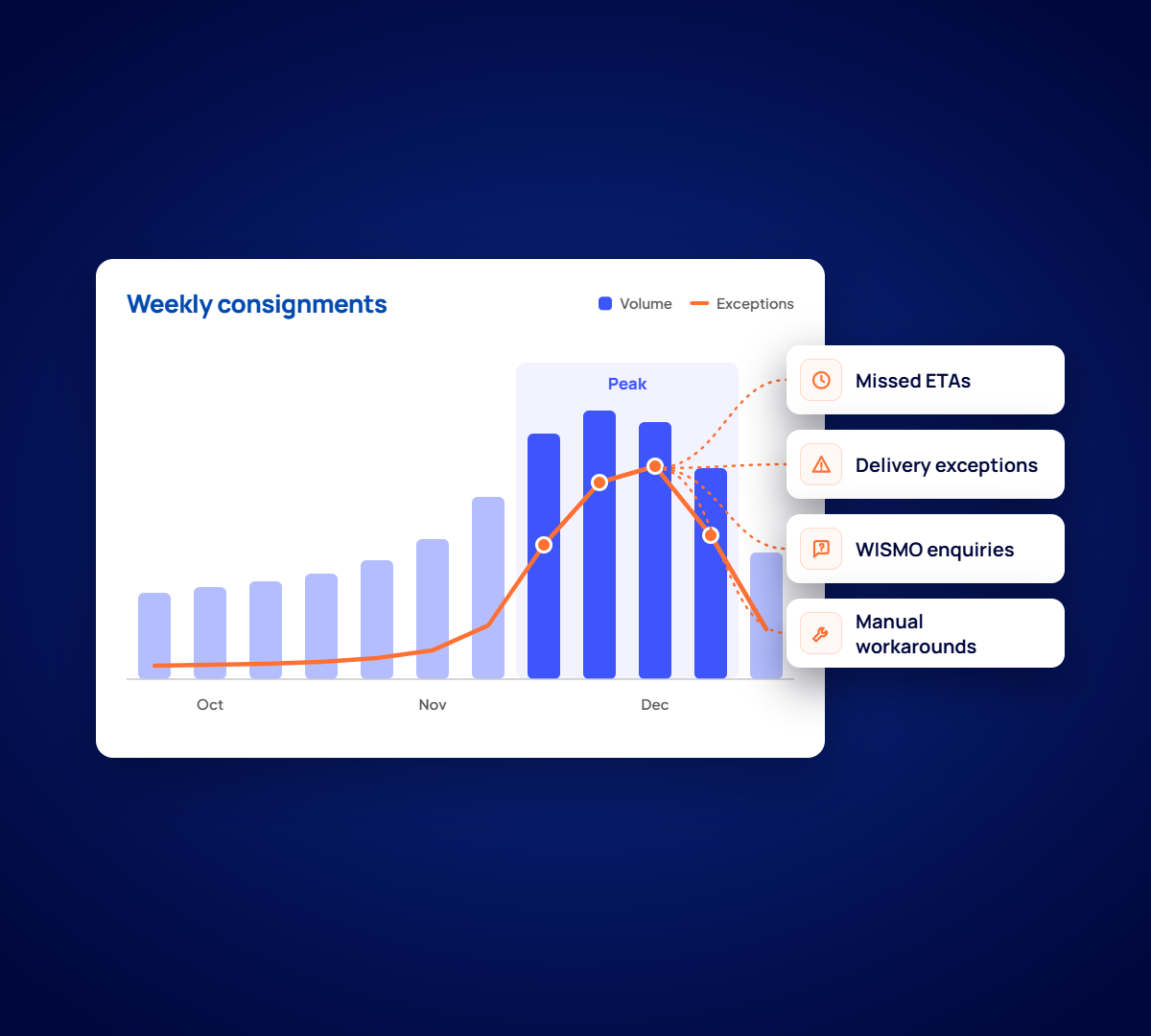
Spring Release 2026: let MachShip do the repeat work
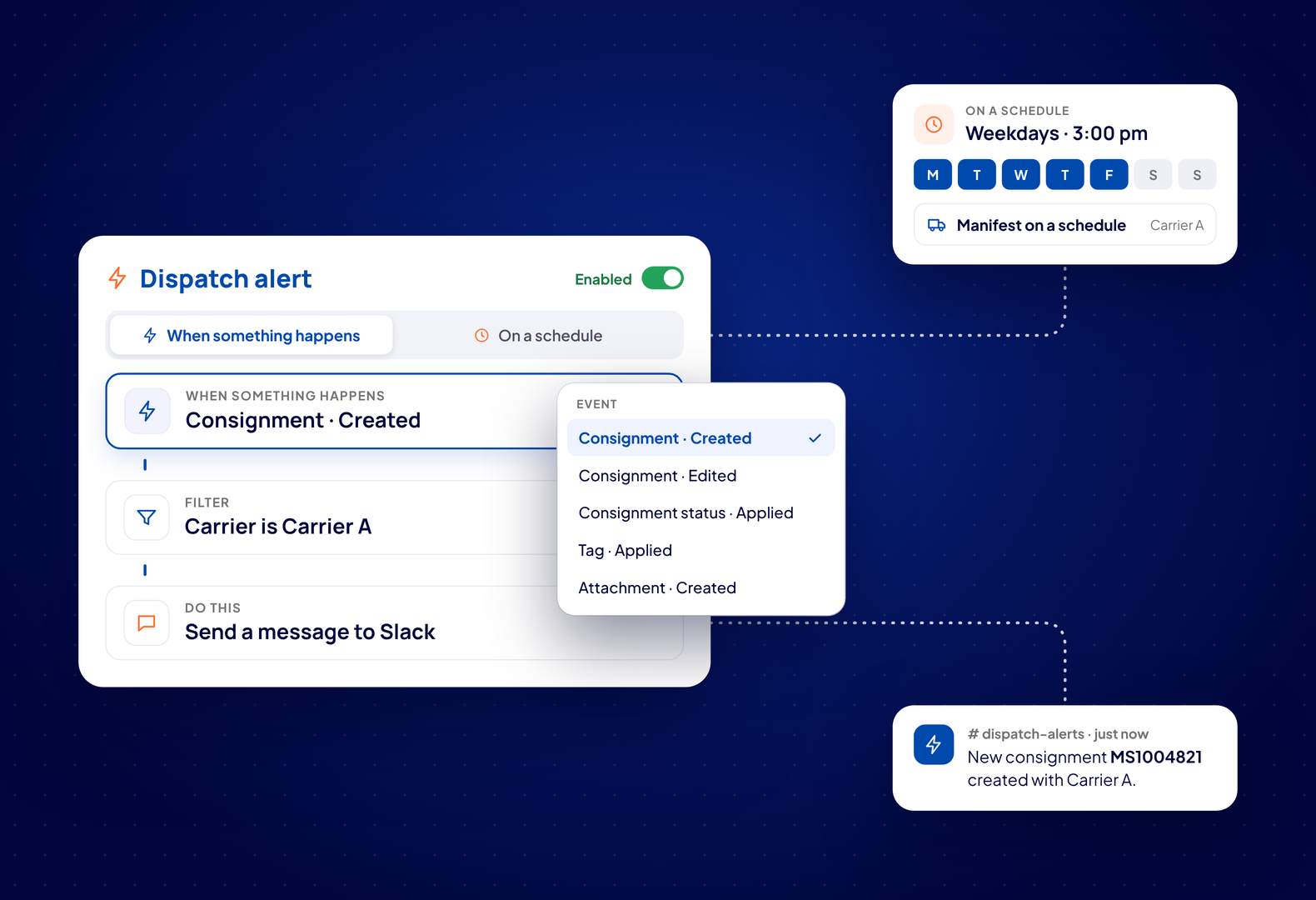
Let MachShip do the repeat work with MachShip Automations
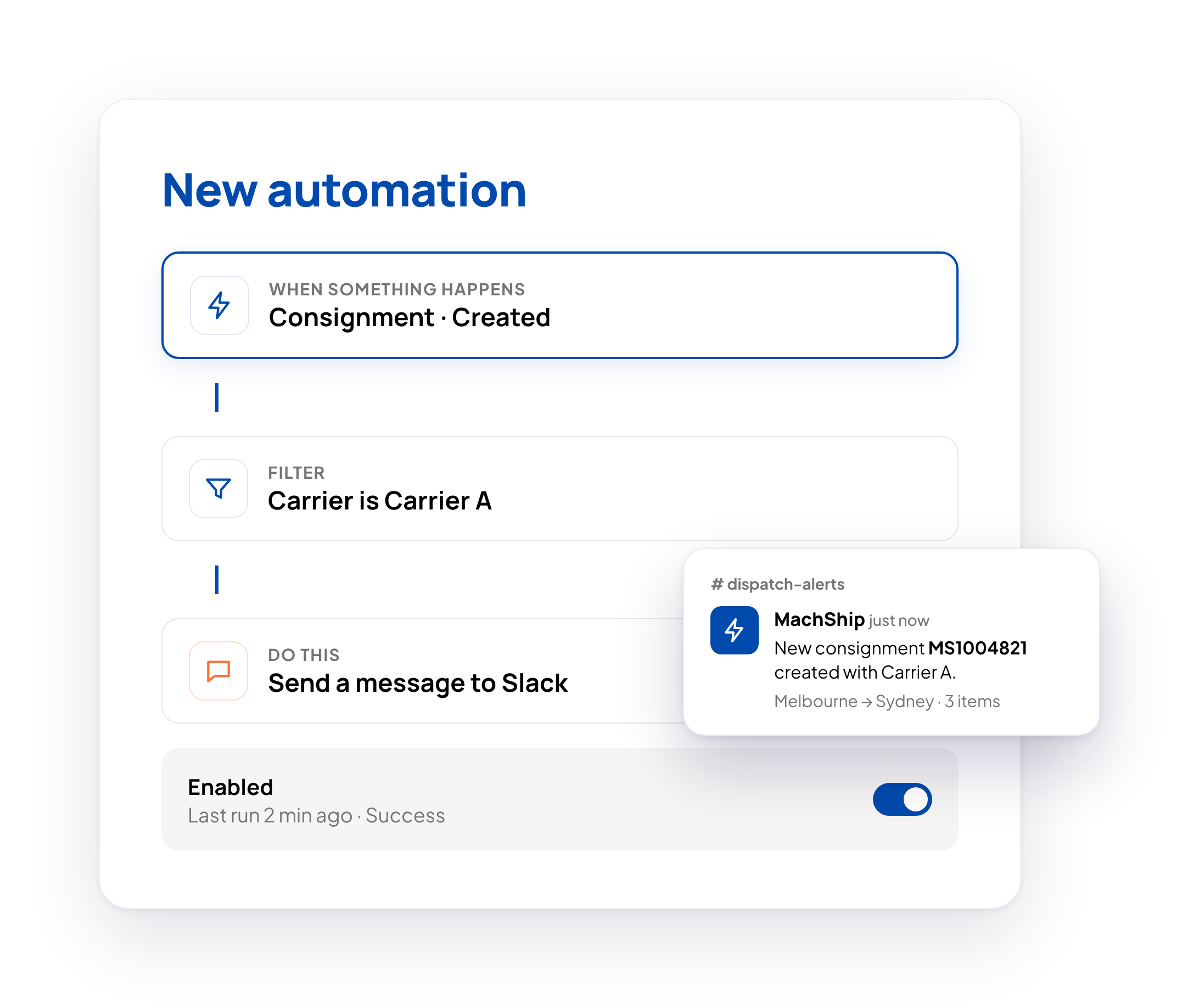
MachShip Automations takes action the moment a shipment event happens. Manifest the consignment, post an alert to Slack or Teams, or send an email or SMS, or fire a webhook to your own system. On a schedule, it manifests at each carrier's cut-off or emails a list of consignments that need attention: unmanifested, late or missed pickups. Every run is logged, so you can see what happened.
The first 1,000 runs each month are included, and manifest automations are always included. Read the Automations overview.
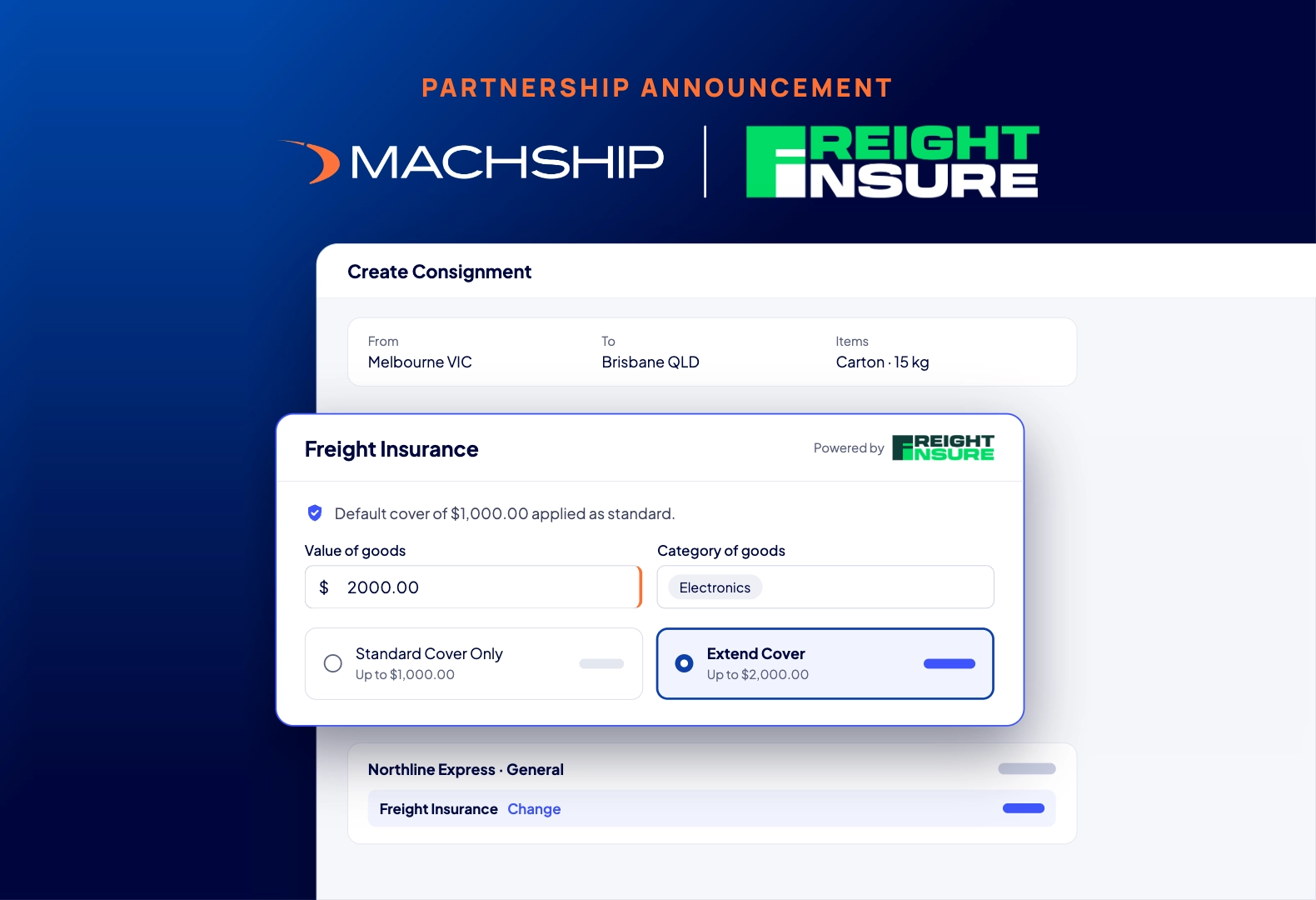
Cover freight at booking in MachShip, powered by FreightInsure
FreightInsure adds per-consignment goods-in-transit cover inside MachShip. 4PLs switch it on at zero upfront cost and choose which customers are covered. Cover is added at booking or applied to every eligible consignment, the policy is issued at manifest by FreightInsure, and FreightInsure handles the claims. Read how it works for 4PLs and enterprise shippers.
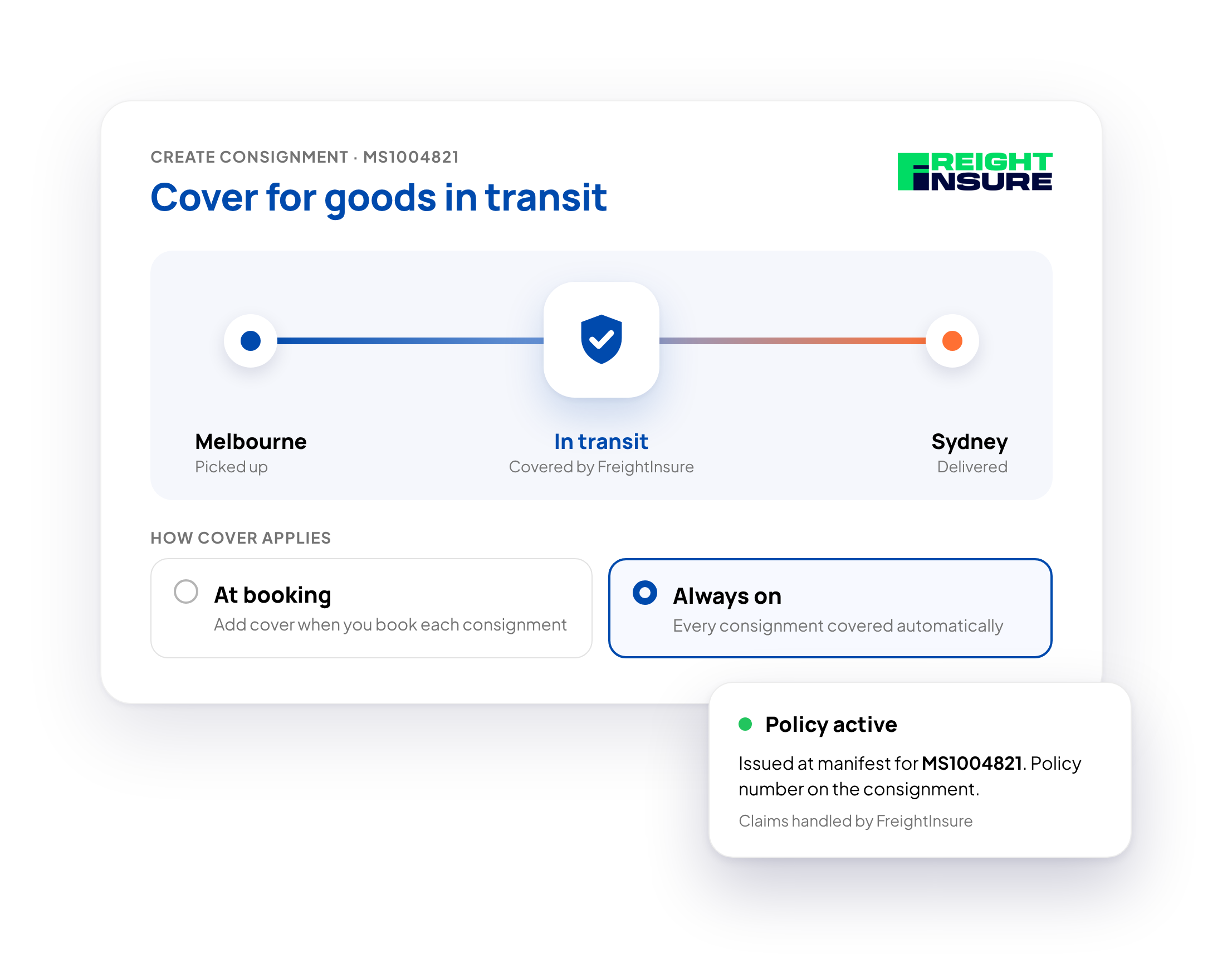
Image: cover for goods in transit, added at booking or always on.
FreightInsure is available in Australia only. MachShip provides the technology only and does not give insurance advice. Cover is subject to eligibility and the terms of the FreightInsure policy. Insurance issued by Assetinsure Pty Ltd (AFSL 488403) and HDI Global Specialty SE (AFSL 458776). Eligibility criteria, limits and exclusions apply. General advice only. Read the Product Disclosure Statement and Financial Services Guide and the Target Market Determination to decide if cover is right for you.
Also in this release
New Reconcile experience
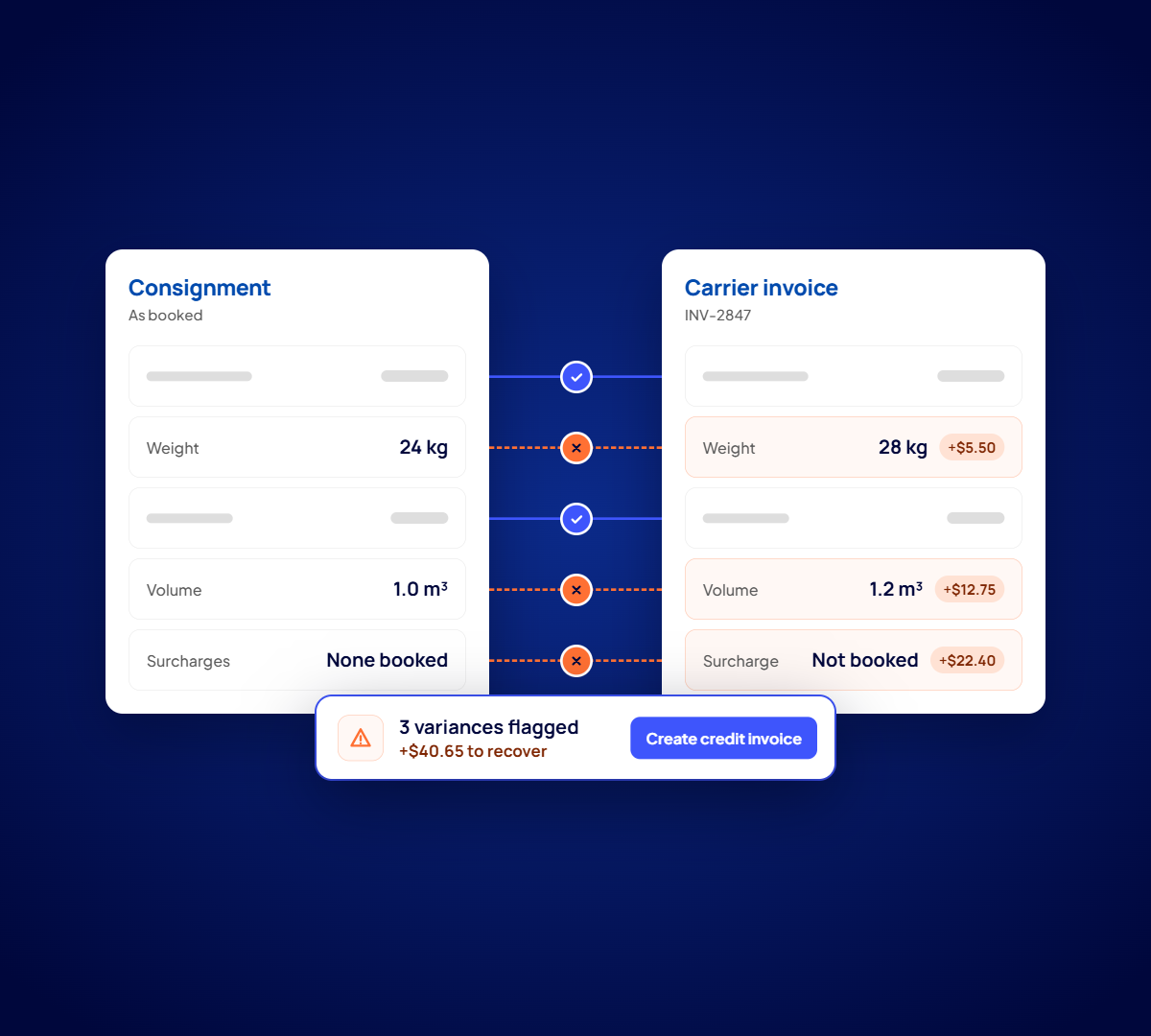
Every open carrier invoice line, across all your invoices, in one list at Finance › Reconcile.
- Reconcile exact and within-tolerance matches in one click.
- See a suggested reason for each difference, such as a fuel rate change or a carrier reweigh.
- Pass on, absorb, split or reject each charge on the same screen.
- Rejected amounts go straight onto the carrier credit request.
- Your current screens stay available as Reconcile Classic.
Read the Reconcile overview or see how to accept or reject a carrier charge.
Custom Fields
Record what MachShip has no built-in field for, like a PO number, a cost centre or a dock number.
- Add fields to consignments, quotes, items, companies, carrier accounts and more.
- Choose from 10 field types, from text to dropdowns.
- Show and filter them on your grids.
- Send them to your systems through Connect integrations.
- 4PLs can share a field with every child company.
Read the Custom Fields overview or learn how to create a Custom Field.
Shipping Rules Results Filter
A new Shipping Rule type that works after pricing, so long quote lists come down to the options your team actually picks.
- Compare priced routes on price, transit time and rank.
- Only show or exclude the routes you target.
- Start from 10 templates. For example, only show Carrier A Road Express if it is within 5% of the lowest price and arrives no more than one business day later.
Learn how to create a Results filter shipping rule.
Entity Tagging
Label records with tags that match how your business works, so important freight stands out.
- Tag consignments, companies, carrier accounts and saved locations.
- Tags show as coloured chips on record pages and grids.
- Group your tags and filter grids by tag.
- Add or remove tags on up to 200 records at once.
Learn how to create, group, apply and filter tags.
Get started
Enterprise Customers can book a demo with their Account Manager. Australian 4PLs can get in touch with their Account Manager to learn about offering FreightInsure cover, or become a FreightInsure distributor now.
Insights & Articles